
The Wood County Court Calendar
The Common Pleas Court publishes a public CivicEngage calendar. An inspected month included recurring Criminal Docket events for Judge Kuhlman in Court #4, Judge Mack in Court #2, and Judge Reger in Court #1. That calendar is a court-event calendar. It identifies a planned docket day, but it does not replace the individual case docket, notice, or court office for a person’s hearing time.
Other Wood County courts use their own record and session channels. Bowling Green directs users to GovRec or lobby terminals, Perrysburg publishes session blocks and court-record routes, the Fostoria location uses CaseLook, and Juvenile Court has its own traffic-hearing schedule.
Those channels serve different purposes. A Common Pleas calendar helps identify a public court event. CourtView can be the first case-specific check when an identifier is known, subject to its posting-delay warning. A municipal court’s regular session time is useful context, yet it does not overrule the notice for one case. Probate and Juvenile dates likewise stay with their own court systems. Keep the paper notice, compare it with the current docket when possible, and use the responsible court office whenever the sources do not agree. Courts can publish a calendar event before the exact individual setting details are apparent in the public record.
Wood County Court Calendar Docket Days
Common Pleas calendar cards can show an event title, date, all-day status or time range, category, and sometimes a location. A card naming a criminal docket, judge, and court number is useful for identifying a court’s group calendar day. It does not show an individual case number, parties, courtroom, or an individual setting type in the inspected public view.
A source image from the Wood County Common Pleas public calendar documents this court-event channel.
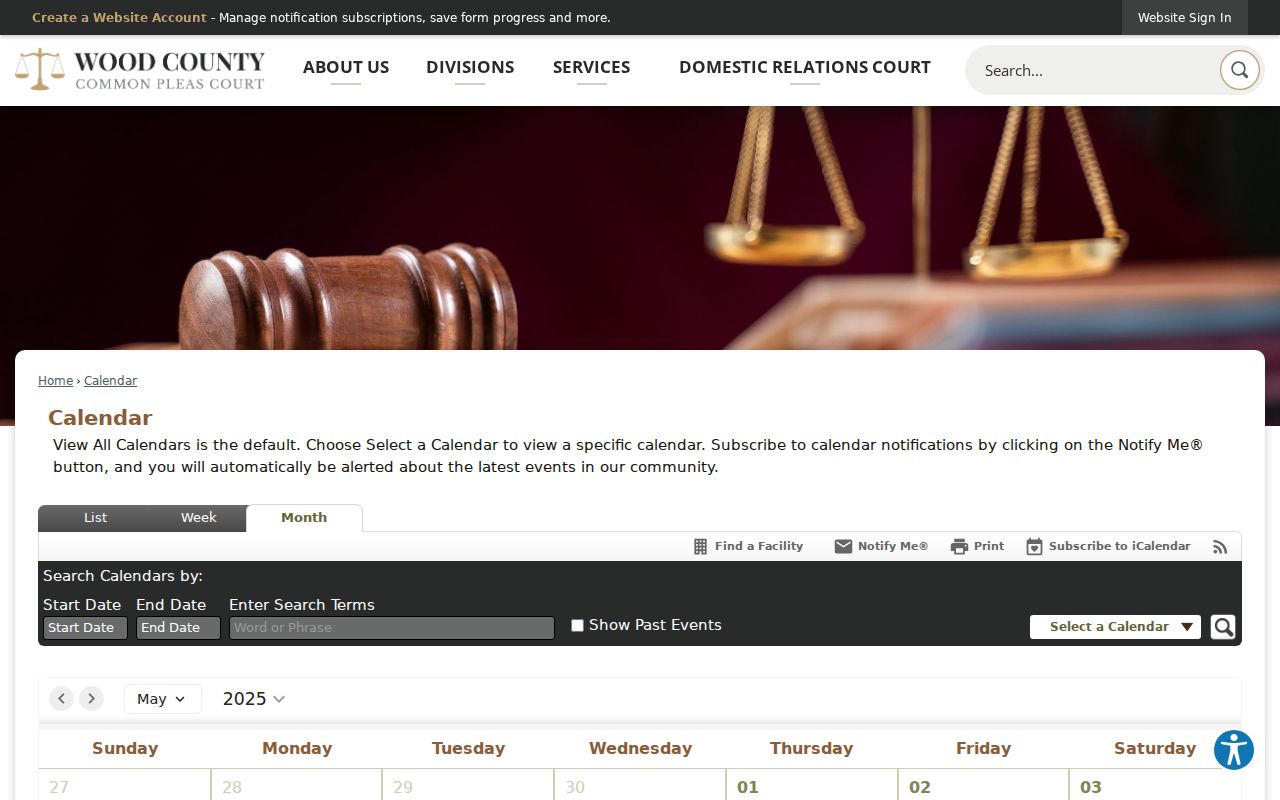
Use the event as a schedule clue, then check the actual docket or court team for the case-specific result.
How to Find Your Court Date
Wood County has no statewide public trial-court case-search portal. The Ohio Supreme Court provides court information and local-rule links, not one statewide calendar or case database. Begin with the court named on the notice, ticket, or case record, then use that court’s documented online and clerk channels.
- Read the court name, case number or citation, and date or time on the current notice.
- Check the matching official record channel: CourtView for Common Pleas, GovRec or Bowling Green terminals, Perrysburg Court Records, CaseLook for Fostoria, or the Probate or Juvenile path.
- For Common Pleas, compare the record with the public calendar for Court #1, #2, or #4. Treat it as a docket-day check, not an individual answer.
- Call the responsible court if the portal may lag: Common Pleas court teams, Bowling Green Clerk 419-352-5263, Perrysburg Criminal/Traffic 419-872-7904 or Civil 419-872-7910, Fostoria 419-435-8139, Probate 419-354-9230, or Juvenile 419-352-3554.
- Use the clerk counter or documented public terminal when an online result is missing. CourtView, Probate, Bowling Green, and Juvenile have in-person or terminal routes.
- Keep the notice until the responsible court confirms a change. A calendar event, portal entry, and paper notice can differ.
Wood County Court Calendar Court Numbers
For a Common Pleas setting, Court #1, Court #2, or Court #4 is the first detail to confirm. The court publishes direct lines for those courts: 419-354-9210, 419-354-9220, and 419-354-9600. Each team includes civil and criminal case-manager roles. That provides a focused fallback when a docket entry or calendar card leaves a date unclear.
State the case number and assigned court when calling. An all-day calendar event may identify a court’s docket day, while the responsible court team is the better source for a case-specific setting question.
Reading a Court Setting
A setting is a scheduled court event, but the detail available depends on the channel. The Common Pleas public calendar visibly presents court-event fields. It does not establish the precise individual-case fields that may appear after opening a protected or CAPTCHA-gated record. Read the notice and docket together, then use the court office if a core detail is missing.
| Date | The calendar event date or the date on the case notice. |
|---|---|
| Time | Public cards can say “All Day” or show a range; neither necessarily supplies an individual hearing time. |
| Courtroom | May be blank or sometimes named on a card. Do not infer a room from the court number. |
| Judge | The event title can name a judge and Court #1, #2, or #4 for Common Pleas criminal docket days. |
| Setting Type | Use the case notice or docket. A public card can name a group docket event rather than a case purpose. |
Wood County Court Calendar Municipal Sessions
Perrysburg publishes traffic and criminal arraignments on Tuesday at 5 p.m. and Friday at 9 a.m. The Fostoria location lists Tuesday and Friday traffic and criminal days and Friday afternoon civil sessions. These published blocks help identify the court’s schedule, but a case notice or docket controls the individual appearance date and time.
A source image from the Wood County Common Pleas local-rules reference connects scheduling to local procedure.
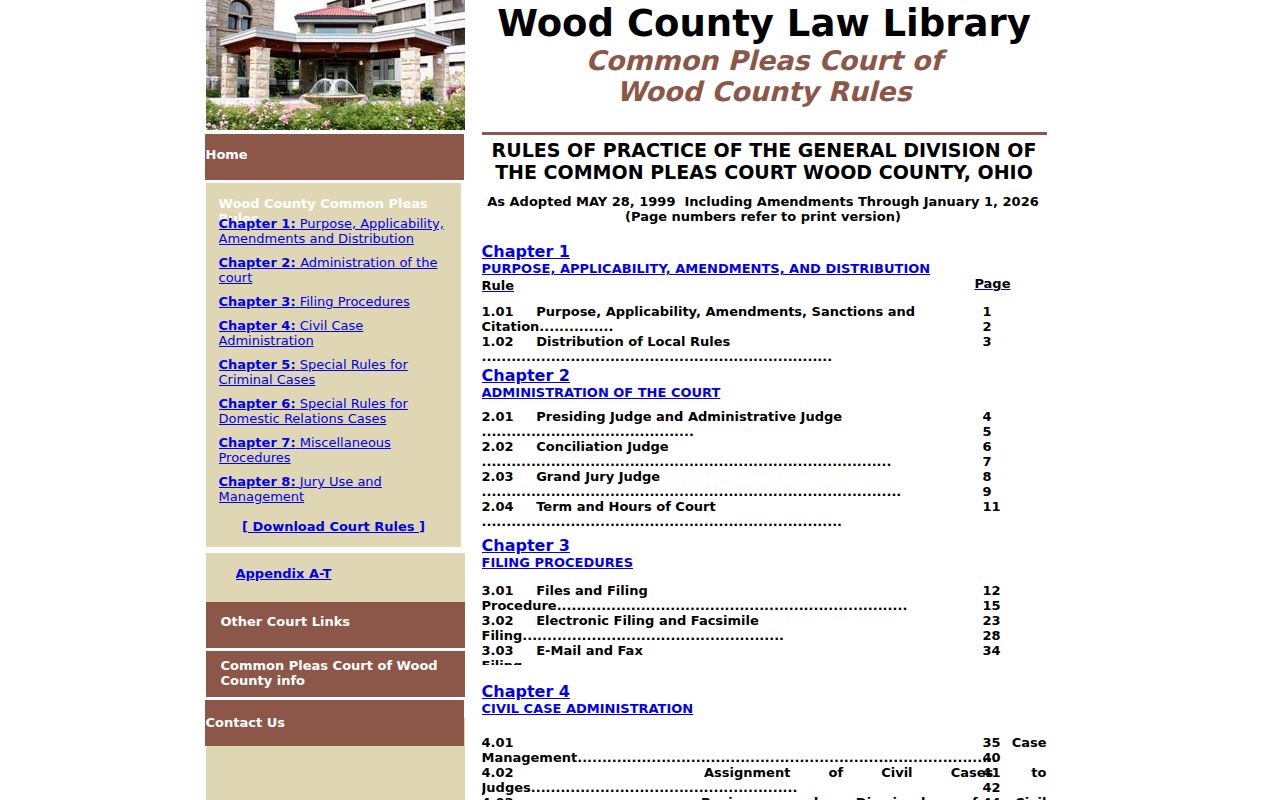
Call the listed municipal division when a scheduled session conflicts with the individual record or paper notice.
Resets, Continuances, and Cancellations
A moved date must be confirmed through the court’s procedure. The Common Pleas FAQ says a person unable to attend should file a Motion to Continue, state the reasons, consult the opposing party or attorney about opposition, and file two weeks in advance. The court makes the decision. Bowling Green says deputy clerks cannot continue a hearing by telephone.
Until the docket, a new notice, or the responsible court confirms the change, the listed setting should be treated as active. A request is not a new date.
Wood County Court Calendar Continuance Rule
A motion can be filed and a party can ask for a change, yet the setting remains in place until the court grants it. This prevents an old notice, all-day calendar entry, or informal statement from being mistaken for a court order. Compare CourtView with the public calendar for a Common Pleas case, then use the assigned court team for confirmation.
A source image from the Wood County Common Pleas FAQ supports the local continuance procedure.
For a municipal matter, use that court’s docket channel and clerk rather than a generic county calendar.
What To Do If You Miss a Setting
Contact the court that issued the notice promptly and identify the case number, citation, and assigned court. For Common Pleas, use the court number on the matter; for a municipal case, call the responsible municipal clerk or division. Ask what procedure applies and whether a court order or new notice has been entered. Do not assume a later calendar entry fixes a missed appearance.
Missed a Setting? Municipal traffic and criminal sources warn that a missed appearance can lead to a warrant or BMV action, so confirm the court’s instruction without delay.
Bowling Green does not permit a deputy clerk to continue a hearing by phone; use the court’s required process.
If legal advice is needed about a missed setting, consult a licensed attorney.
Wood County Court Calendar Portal Lag
Online systems can lag behind filing or court action. The Clerk warns that CourtView can have a posting delay. Tiffin-Fostoria’s CaseLook notice says updates can lag at least 24 hours. A portal absence, especially close to a hearing, should lead to a court-specific call or counter check rather than an assumption that the setting was canceled.
Documented in-person options include the Clerk’s free inspection route, Bowling Green’s free lookup terminals, Probate’s Public Records Area, and Juvenile’s lobby e-computer. A source image from the Supreme Court of Ohio court-services materials points to the current-rules channel.
The court that keeps the case record remains the final source for a particular Wood County court date.
A calendar entry can serve as a useful prompt without being a case-specific promise. Common Pleas public cards may identify a judge, court number, date, and all-day status, while a notice or docket can carry the actual setting details for one case. The same distinction applies to Perrysburg session blocks, Fostoria court days, and the Juvenile traffic schedule. When a docket result posts after a paper notice, or a calendar event does not identify a case, preserve the case number and ask the responsible court which setting controls. That local check is more dependable than treating a missing portal result as a cancellation. Use the court shown on the notice, not a same-name result from another Wood County court.