
How to Search the Bowling Green Court Docket
Traffic ticket, misdemeanor, civil claim, small claim, or eviction inside city limits? The Bowling Green Municipal Court hears all of them. Your ticket or court notice names the court and gives your appearance details. Read it first. From there, the court's official site points to its Case/Record Search. That link opens the GovRec service. GovRec's screens do not advertise their search fields in plain view. So a Bowling Green reader should not count on a particular field or document option being there.
Have your case number, citation, correct party spelling, and court notice in hand before searching. If a result fails to load or looks thin, free public lookup terminals at the court cover criminal and traffic records as well as civil and small-claims files. For a setting question or an official record, the clerk is the next stop.
- Check that the paperwork names Bowling Green Municipal Court and note the case or citation number.
- Use the court’s official Case/Record Search path to reach GovRec.
- Read the Bowling Green entry for the listed charge or claim, status, and court activity. Preserve the case number exactly.
- If GovRec does not load, use the free Bowling Green criminal/traffic or civil/small-claims lookup terminal.
- Confirm an upcoming setting with the Bowling Green clerk before appearing, especially after a recent filing or change.
Bowling Green GovRec Case Search
GovRec is the online case-search service the Bowling Green Municipal Court links to directly. The court labels the route Case Information or Case/Record Search. What the public JavaScript interface will not give you is a dependable list of search fields. It names no clear name, number, date, or document options. Treat that as a real limit. Do not guess at fields. Run the official route first. Then fall back on the terminal or the clerk when the online view leaves your question unanswered.
The Bowling Green Municipal Court home page is where the court's services and record channel begin. Start there.
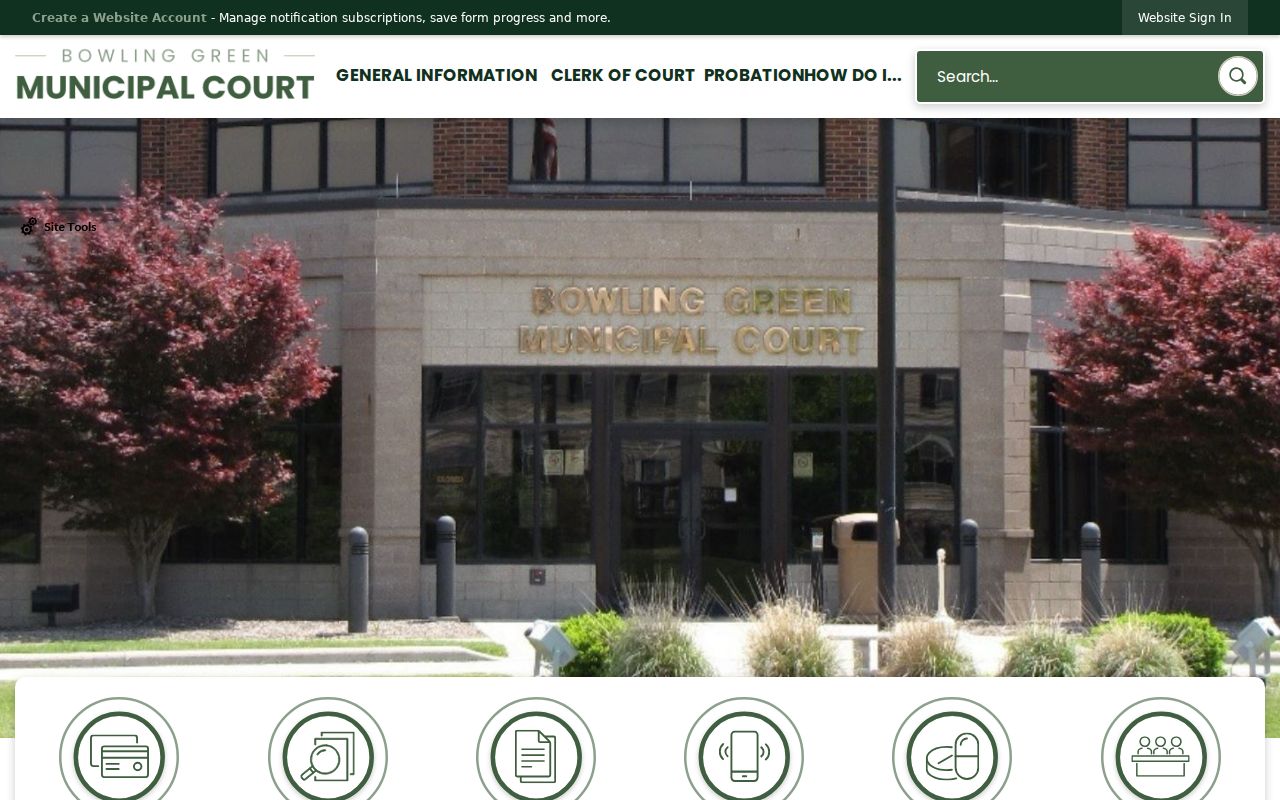
That direct link matters. A municipal docket is not the same screen as Wood County Common Pleas CourtView.
Treat online data as reference only. The Bowling Green clerk keeps the court docket and the public records, and the court's own channel is how you confirm a record that needs a formal response.
The Bowling Green Municipal Court
You will find Bowling Green Municipal Court at 711 S. Dunbridge Road, Bowling Green, Ohio 43402. The main phone line is 419-352-5263. The clerk's office files more than 14,000 complaints and traffic violations every year. It also maintains the municipal docket and its public records. Jurisdiction covers adult municipal misdemeanors, traffic cases, civil matters up to $15,000, small claims up to $6,000, and evictions within the court's territory.
Bowling Green is the Wood County seat. Yet its Municipal Court stands apart from the historic Common Pleas courthouse. That split matters for any docket search. A municipal case will not necessarily surface in the Wood County Clerk's CourtView system. And a felony charge will not remain on the Bowling Green municipal docket.
The Bowling Green Clerk of Court page names the office responsible for the local docket and records.
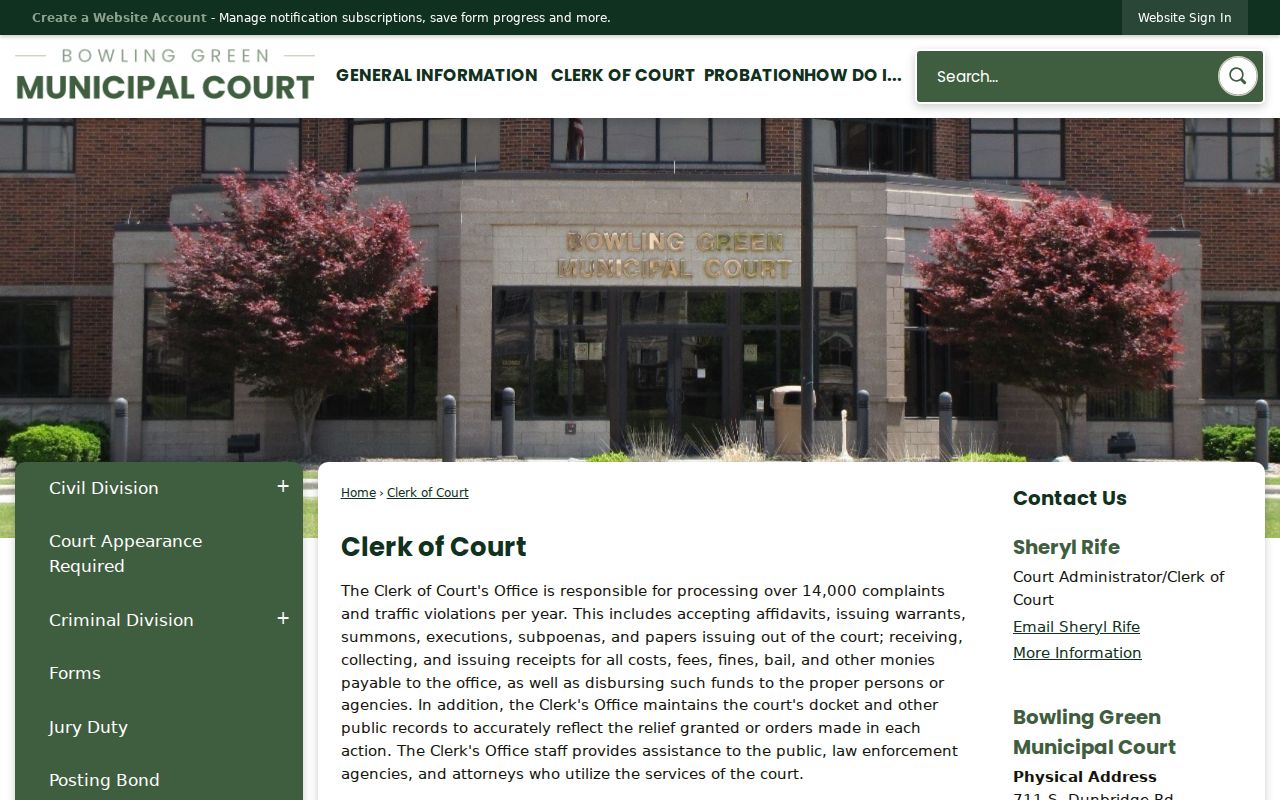
For a docket entry, a copy request, or any records question on a municipal case, the Bowling Green clerk is the office to contact.
Bowling Green Court Lookup Terminals
Here is a fallback many municipal courts never spell out: free public lookup terminals. They cover both criminal and traffic matters and civil and small-claims files. Turn to them when the GovRec page will not load. Use them too when a local record needs a closer look, or when the court points you to its own public access tools. The terminals respect confidentiality limits. But they are a court-controlled channel rather than an unverified third-party site.
The court also runs a drive-through window. During its published weekday hours, it accepts traffic-ticket payments, payments on concluded cases, and pleadings on existing Bowling Green cases. Paying or filing is not a sign that a hearing moved. For the active case, check the Bowling Green docket. Then ask the clerk about the proper procedure.
Bowling Green court information describes both the terminals and the drive-through services.
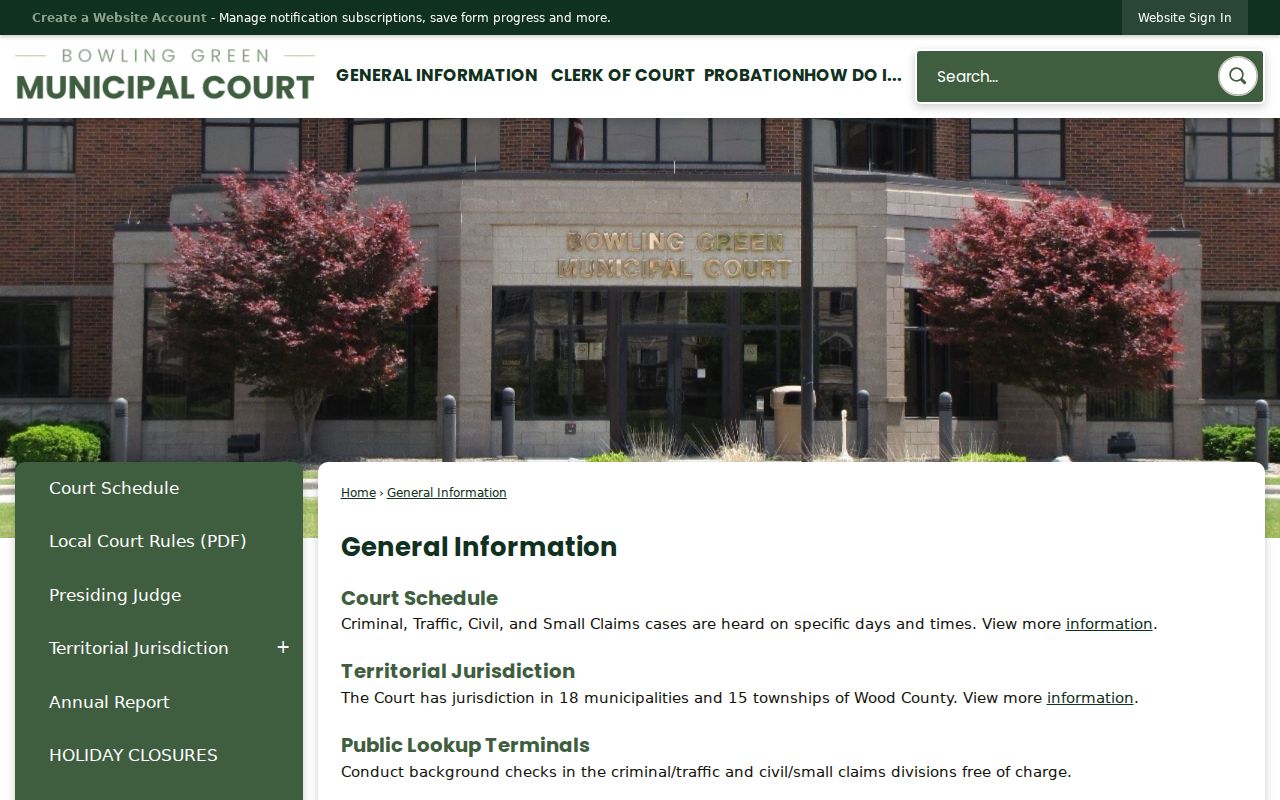
When the online docket view is down, those Bowling Green terminals and the clerk's window give you a clear backup.
Bowling Green Court Dates and Settings
Check any Bowling Green setting against the case record, the court notice, and the clerk's current answer. The Municipal Court sets aside specific days and times for criminal, traffic, civil, and small-claims sessions. But a general pattern never overrides a specific Bowling Green case setting. Your citation or notice is the strongest first detail. The docket can reveal later activity. The clerk can explain the current procedure.
One thing not to do: ask a deputy clerk to continue a hearing by phone. The court states plainly that deputy clerks cannot grant a continuance that way. A request still has to follow the court's procedure and get a court decision.
| Date | The Bowling Green date listed on the current notice or municipal docket entry. |
|---|---|
| Time | The appearance time, which can differ from a general Bowling Green docket day. |
| Court | Bowling Green Municipal Court, the local custodian for these municipal matters. |
| Setting type | Traffic, criminal, civil, small claims, eviction, or another stated case event. |
| Status | The current case activity shown in the Bowling Green record, subject to clerk confirmation. |
Bowling Green Court Docket Workload
More than 14,000 complaints and traffic violations move through Bowling Green Municipal Court every year. That is a heavy caseload for one office. To cope, the court spreads access across several channels. There is an online GovRec route, public lookup terminals, a docket kept by the clerk, and even a drive-through window for certain papers and payments on existing cases. None of that makes every case instantly viewable from home. A search result is also not an official copy of anything.
For civic context on the city this court serves, the Census Bureau’s Bowling Green profile offers population and other baseline figures.
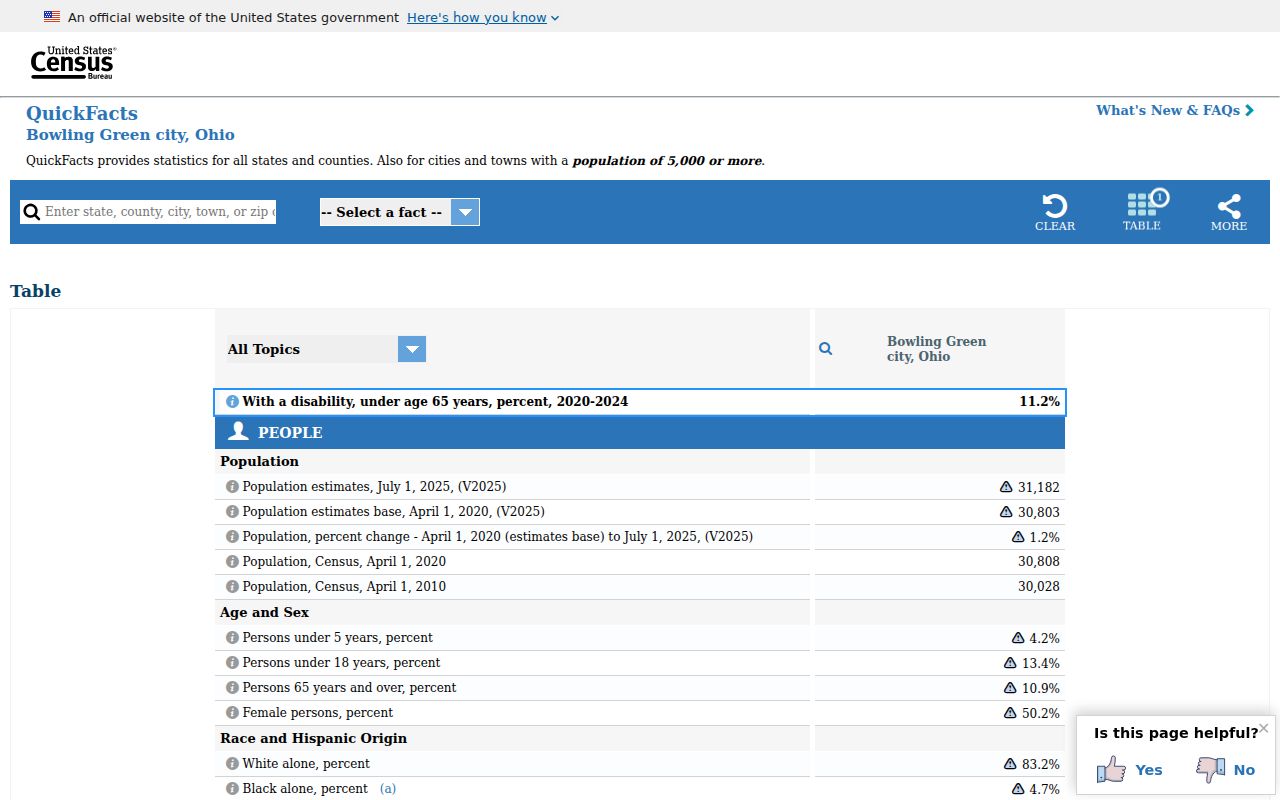
Keep Bowling Green’s local numbers separate from the docket totals for Wood County Common Pleas, Probate, and Juvenile.
Bowling Green Traffic Tickets
Citations that name Bowling Green Municipal Court travel that court’s route. Pull out the citation first. From there you can check Bowling Green GovRec. You can also use the free criminal and traffic terminal, or simply ask the clerk. Waiverable cases can often be resolved through the violations bureau. Appearance-required cases must be heard in court. The court allows online payment only for eligible cases, and it must be payment in full. An outstanding warrant shuts the web option off entirely. Bowling Green court costs start at $90, and added fees can push the total higher. What you actually owe comes from the court’s current case information, never from a general estimate. Planning to contest the ticket? Follow the date and procedure printed on the citation instead of paying online. Paying and appearing carry different legal consequences for the municipal case. Note: A failure to appear in Bowling Green can trigger a warrant and a Bureau of Motor Vehicles notification. Confirm the current court date without delay.
Bowling Green Hearing Changes Need Court Action
An old date sits on a Bowling Green docket entry. That is not permission to skip court. The court’s rule on this is plain. Deputy clerks cannot continue a Bowling Green hearing by phone. Any continuance request must go through the court’s stated process, and only the court can grant it. That matters most right after an online search, a payment attempt, or a phone call. None of those produces formal confirmation on its own.
Current setting check: Keep the Bowling Green case number, compare the notice with the docket, and obtain the court’s confirmation before relying on a change.
A warrant also blocks online payment, even for an otherwise eligible case. When the record hints at a missed appearance or a required hearing, call the municipal court directly rather than running repeated portal searches.
Where Bowling Green Cases End Up
Territorial traffic, adult misdemeanor, civil, small-claims, and eviction matters all begin on the Bowling Green Municipal Court docket. A felony does not. Felony charges belong to Wood County Court of Common Pleas, General Division. Probate and Juvenile matters run through separate Wood County courts with their own access channels. Case type, not a Bowling Green address, decides where the record lives.
Docket flow: Bowling Green Municipal Court › Wood County Courts › Wood County Court of Common Pleas
An appeal opens a separate appellate route but leaves the Bowling Green case file intact. Keep the municipal case number, and ask the court or clerk for the next docket identifier once an appeal notice appears. For the wider county picture, the Wood County court docket lays out the routing.
Bowling Green Civil and Small Claims Dockets
The civil docket at Bowling Green Municipal Court covers cases up to $15,000, while small claims run up to $6,000 within its territory. Those limits explain why one Bowling Green dispute stays in Municipal Court while a larger filing goes to Common Pleas. Entries on the docket track the events in each civil, small-claims, or eviction case, including notices and rulings the court makes public under its rules. Start any Bowling Green civil search with the local record channel or the free civil and small-claims terminal. Match the court named in the paperwork, then hold onto that case number for a clerk request.
- Civil jurisdiction
- The Bowling Green court’s authority over civil cases within its $15,000 statutory limit.
- Small claim
- A money-only claim up to $6,000, excluding interest and costs.
- Eviction
- A local municipal-court case type that has its own notices and settings.
Public Access to Bowling Green Court Records
Bowling Green Municipal Court keeps its own docket and public records. Ohio’s court-access rules generally open those records to the public. Still, protected material, personal identifiers, sealed cases, and restricted categories may not appear the way a basic docket entry does. Online information can fall short. You may simply need a copy. The lawful local channels are the Bowling Green clerk, the free terminals, and the formal request path.
Key rules:
Ohio Rules of Superintendence 11.10-11.16 govern access to court records, restrictions, and personal-information protection.
Ohio R.C. 1901.17 establishes the municipal court’s civil jurisdiction framework.
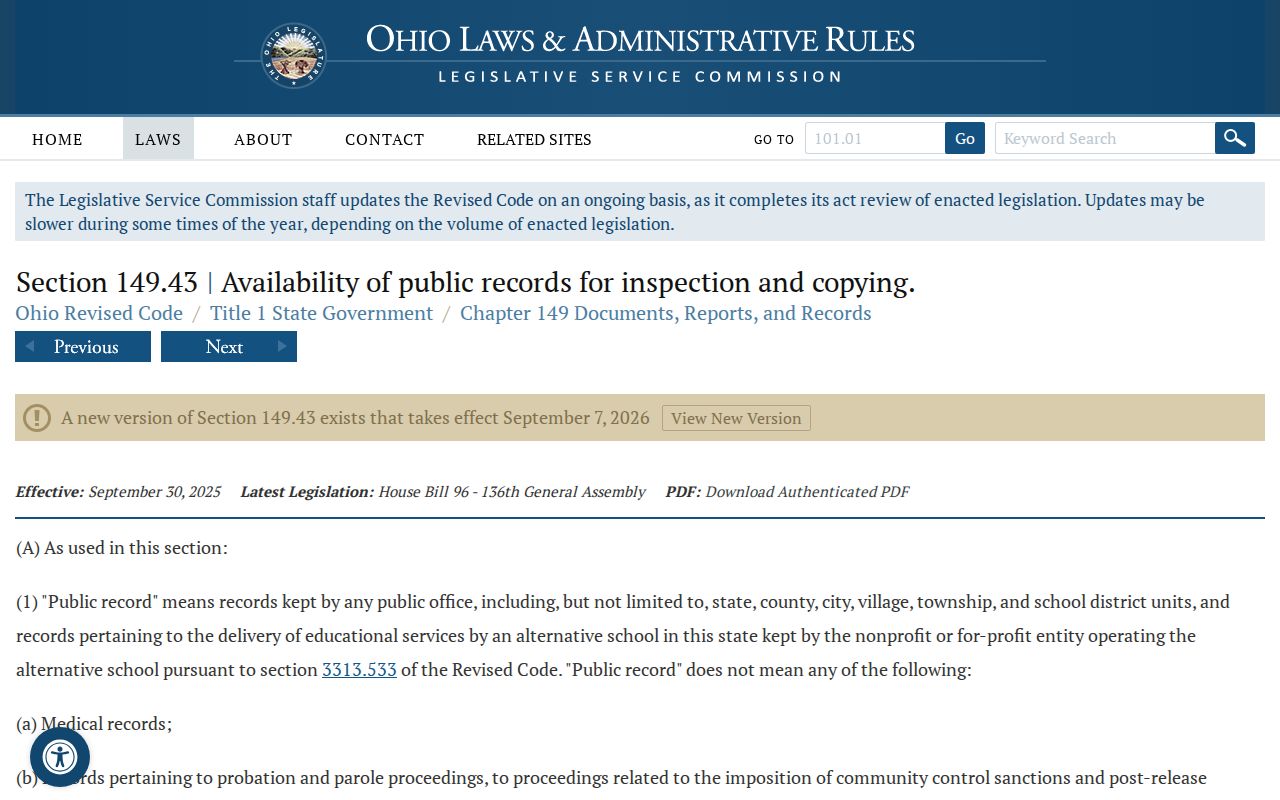
Ohio R.C. 149.43 governs public-office records, while court-case access is chiefly addressed by the court rules.
The Ohio public-records statute governs administrative records. A Bowling Green court case record, though, moves mainly through the court-record access framework rather than that statute.
For Bowling Green records, trust the court’s own clerk and public terminals. Assume nothing is available remotely until the court says so.
Bowling Green Municipal Record Custody
A case within municipal jurisdiction makes the Bowling Green court record the one to request. GovRec is a handy way to locate the municipal case. The court does not treat it as a certified copy. For an official copy, confirmation of a setting, or a record missing from the web, the clerk is the right contact. That clerk maintains the docket. Bowling Green municipal records and Wood County Common Pleas records can involve the same city. Yet they remain separate court products. Write down the case number, court name, and date from the Bowling Green entry. Those details focus your request and keep you out of the wrong docket.