
Searching Cases by Name
The clearest official Wood County name-search capture is the Probate Records Search. It labels the field “Name: (Last Name, First Name)” and requires a user to choose one criterion at a time. Perrysburg’s payment-search screen exposes Last Name as required and First Name as an optional narrowing field. CourtView is CAPTCHA-gated, so its post-CAPTCHA name fields were not observed and must not be assumed.
- Identify the likely court from a notice, case papers, court location, or citation.
- For Probate, enter a last name followed by a first name as the one chosen criterion.
- For a Perrysburg payable matter, enter the required Last Name and add First Name only to narrow a result.
- For Common Pleas, use the Clerk’s Dockets Online route, complete its CAPTCHA, and record the number shown in an official result.
- Use the matching clerk or public terminal if the result is missing, ambiguous, older, or needs verification.
| Field Label | Type | Required | Notes |
|---|---|---|---|
| Name: (Last Name, First Name) | text | Choose one criterion | Official Probate label shows last name first. |
| Last Name | text | Yes on Perrysburg payment search | The page says Last Name is required. |
| First Name | text | No / unspecified | Perrysburg narrowing field. |
| Search | button | Yes | Both official pages direct the user to click Search. |
Wood County Case Search CourtView Entry
For Common Pleas cases, start at the Clerk’s Dockets Online page and continue to CourtView eAccess. The inspected public entry page shows CAPTCHA letters and a “Click Here” continuation. The CAPTCHA is required before the search form. Fields after that step were not observable in the public inspection, so no hidden field labels, filters, or format rules are stated here.
| Field label | Type | Required | Observed note |
|---|---|---|---|
| CAPTCHA letters | text | Yes | Exact image characters are shown before search access. |
| Search fields after CAPTCHA | Not observable | Unknown | Do not invent portal fields hidden behind the challenge. |
| Click Here / continue | button or link | Yes to proceed | Opens the public-record search after CAPTCHA. |
The Clerk warns that CourtView can have posting delay and that records before 1990 may not appear online.
Wood County Case Search Probate Route
Probate Records Search is a separate county system at search.co.wood.oh.us. It allows Name, Case Number, or File Date, but the page says only one item may be searched at a time. Its Case Number field is numbers only, and File Date uses separate month and day controls with a year text field. The page warns that records before 1994 may be incomplete or absent online.
A source image from the Wood County Probate Records Search identifies the distinct Probate channel.
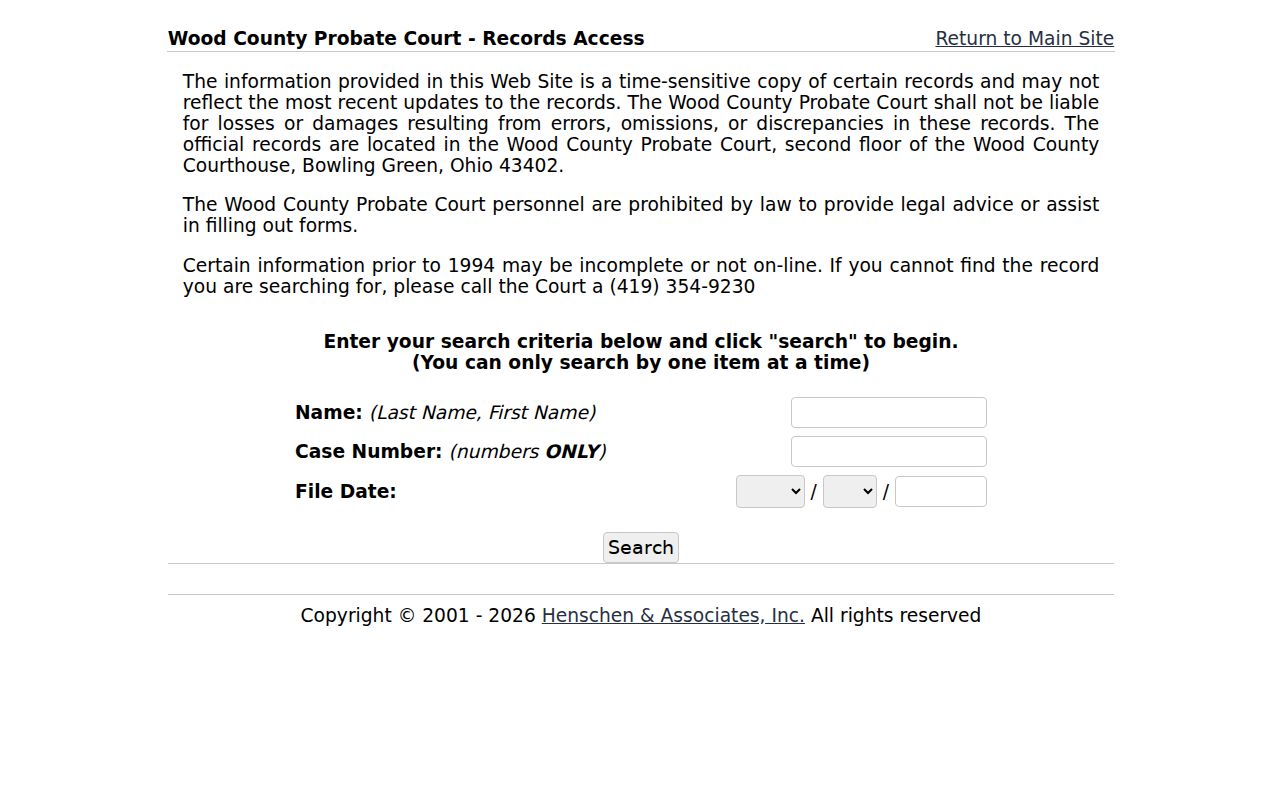
When an older Probate result is absent, call 419-354-9230 or use the second-floor Public Records Area rather than assuming there is no file.
Searching by Case Number
A case number is the court’s assigned identifier and should be preserved exactly. Probate’s official field is “Case Number” and accepts numbers only. The controlled Common Pleas inspection did not reveal a case-number format beyond the CAPTCHA, so no Wood County CourtView pattern should be invented. Give the number to the responsible clerk when requesting a record or confirming a setting.
One documented local example comes from Tiffin-Fostoria traffic results: a citation can produce related lettered cases such as TRD10000001A, then B or C suffixes. That is a Fostoria traffic-result convention, not a Common Pleas or countywide format.
Wood County Case Search Perrysburg Names
Perrysburg’s payment-search interface documents a narrow name search: Last Name is required, First Name is optional or unspecified, and Search is the action button. The court asks users to be as specific as possible. It also says online data may change and directs people needing verified information to a written request or a visit to the court counter.
The payment route is not the whole docket system. It links to Court Records, Civil, Criminal, Traffic, Online Payments, and eFile. Use the Court Records route or the appropriate division if the question involves more than a payable result.
Wood County Case Search Fostoria Numbers
The Fostoria location of Tiffin-Fostoria Municipal Court directs users through a CaseLook notice before its field form. The pre-acceptance page exposes Continue and Cancel, but not the later form labels. Its related payment instructions explain that a ticket may have up to seven charges and related traffic case numbers can be lettered. Updates can lag 24 hours or more.
That local result structure is why a single citation should be checked against every related lettered case before payment or record follow-up. Call the Fostoria clerk at 419-435-8139 when the result conflicts with the citation or notice.
What a Case Search Returns
An online result is a reference view. The Clerk confirms that CourtView contains docket entries and legally required information from computerized records. Its landing page does not disclose a safe sample with fixed party, attorney, status, document, financial, or disposition fields. A search can identify the next request without proving that each supporting document is available online.
| Case number | The identifier to retain for clerk contact; exact CourtView display formatting was not visible at the entry page. |
|---|---|
| Docket entries | Chronological court activity in computerized records, subject to posting delay. |
| Court or division | The custodian that distinguishes Common Pleas, municipal, Probate, or Juvenile routes. |
| Search result limits | Precise CourtView caption, party, document, and status labels were not confirmed in an open sample. |
| Official copy | Request the record or certification from the clerk or court that keeps the case. |
Wood County Case Search Bowling Green
Bowling Green Municipal Court labels its official route Case Information and links it to GovRec. The public text inspection did not capture JavaScript form fields, so the search should not be described as having unverified filters. Bowling Green also provides free criminal/traffic and civil/small-claims lookup terminals, a useful fallback when the vendor page does not load.
A source image from the Bowling Green Municipal Court GovRec search documents this municipal channel.
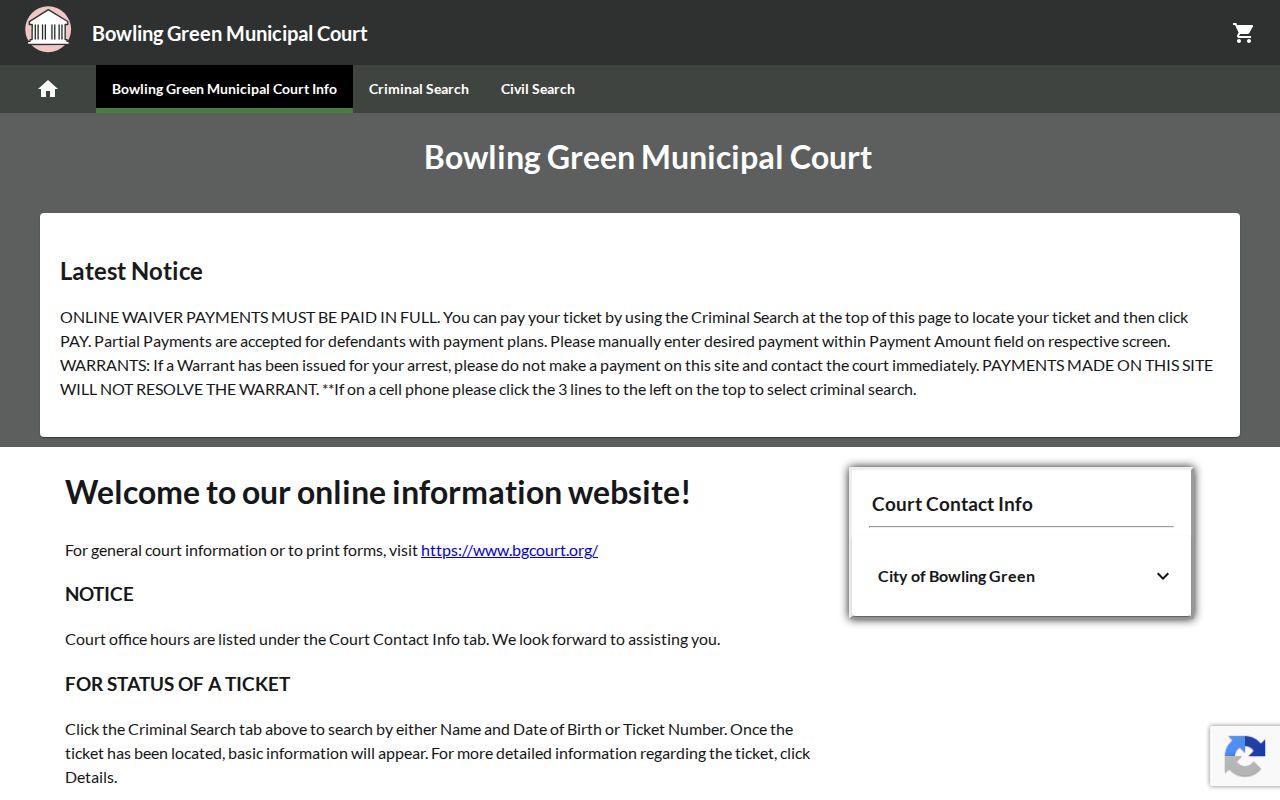
The Bowling Green Clerk can be reached at 419-352-5263 for the court’s docket and public-record channels.
Wood County Case Search Federal Records
A federal case is not part of a Wood County Common Pleas or municipal docket. Federal court records use a separate system. PACER is the federal judiciary’s case-search landing page, while the Northern District of Ohio supplies its own court-record information. Match the court named in the federal filing before treating a federal result as a county-court case.
A source image from PACER marks the separate federal case-search channel.
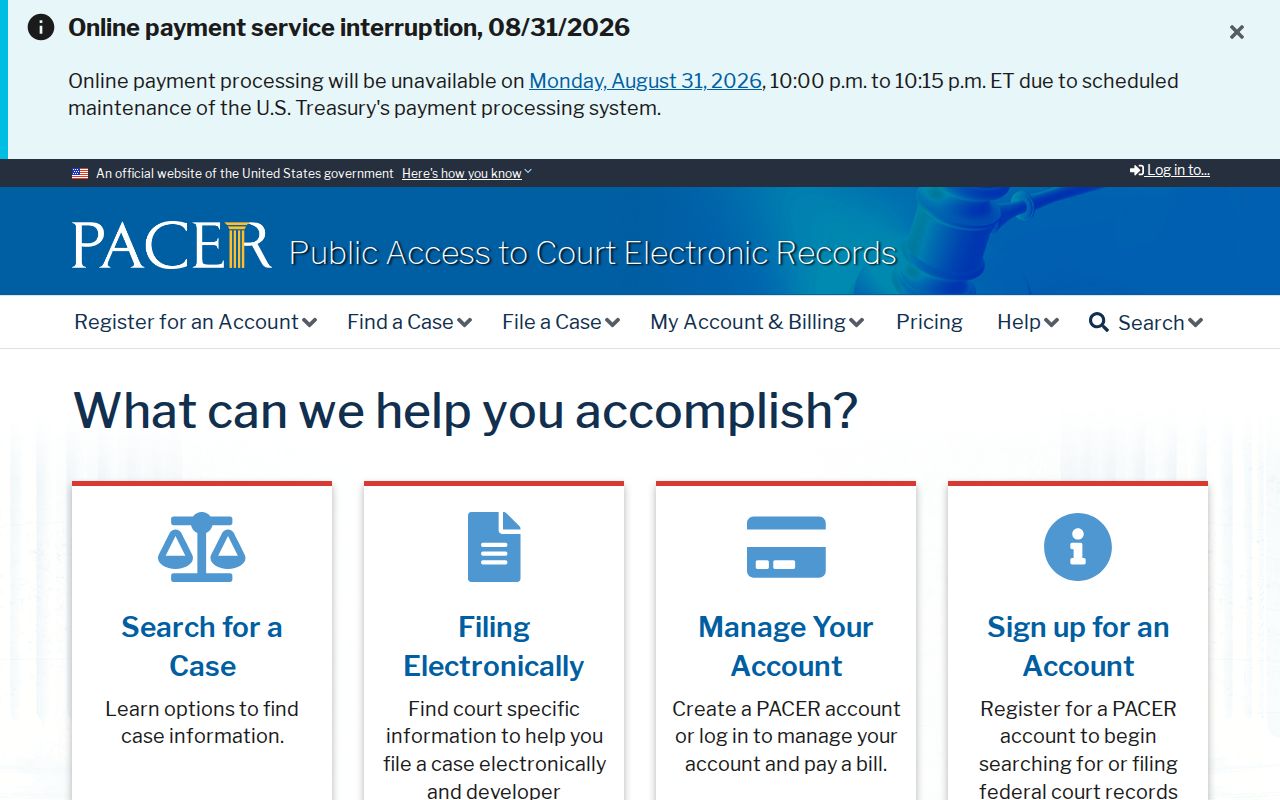
The different custodians mean that a county clerk cannot substitute for federal court records, and PACER cannot replace Wood County court routes.
Statewide vs County Case Search
Ohio has no statewide public trial-court case-search portal for Wood County cases. The Ohio Supreme Court offers court information and local-rule resources, but it does not supply one public database that replaces the Clerk, municipal courts, Probate, or Juvenile channels. A case search therefore begins at the court system that holds the record.
| Statewide public trial-court portal | Wood County court systems |
|---|---|
| No single public Ohio trial-court database is provided | CourtView, municipal systems, Probate Search, and the Juvenile channel divide local coverage |
| Ohio Supreme Court supplies information and local-rule links | Each local custodian controls docket and record access |
| Not a replacement search channel | Best route after court and case type are identified |
Wood County Case Search Northern District
The Northern District of Ohio’s court-records information is a federal resource, not an Ohio trial-court portal. Use it only when the case caption or filing identifies the federal court. It should not be used to fill a gap in a Common Pleas, municipal, Probate, or Juvenile search.
A source image from the Northern District court-records page shows the distinct federal-records route.
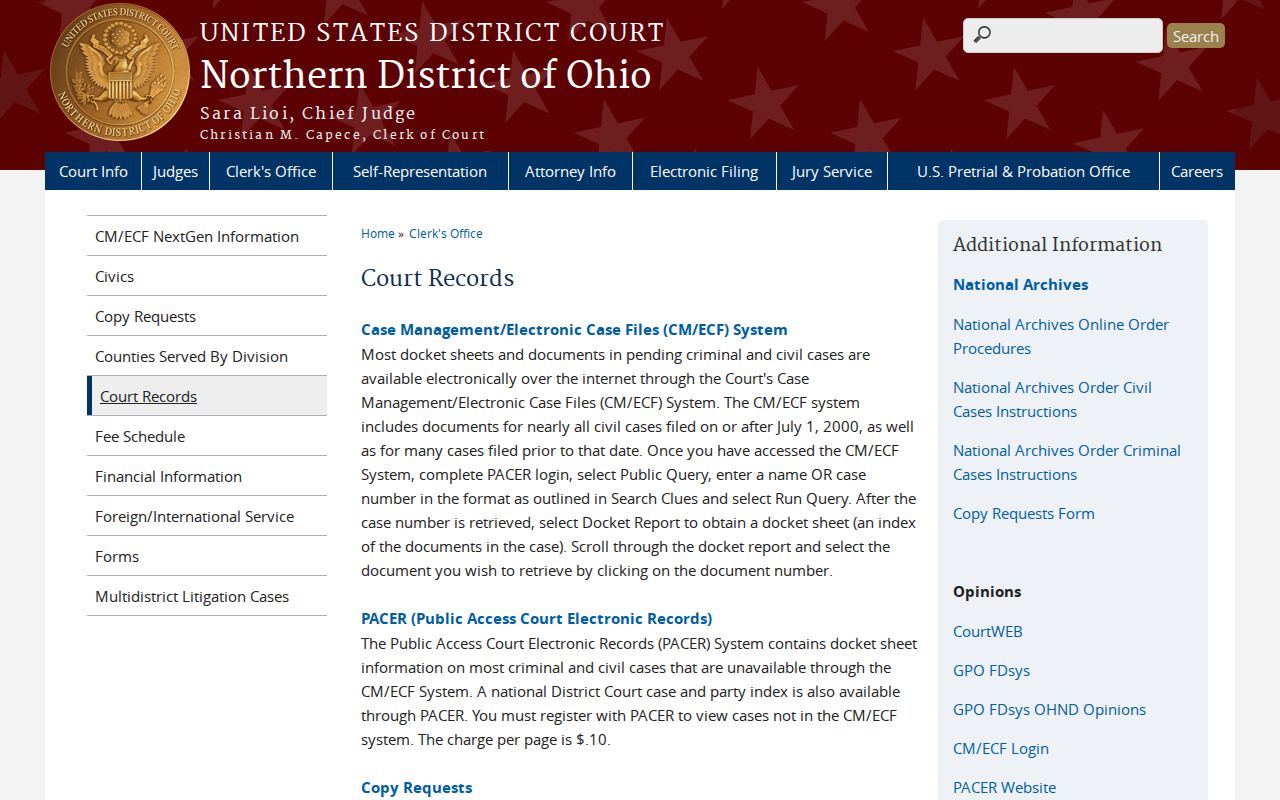
For a Wood County state-court case, return to the clerk or court system with jurisdiction over the matter.
Wood County Case Search CMECF Limit
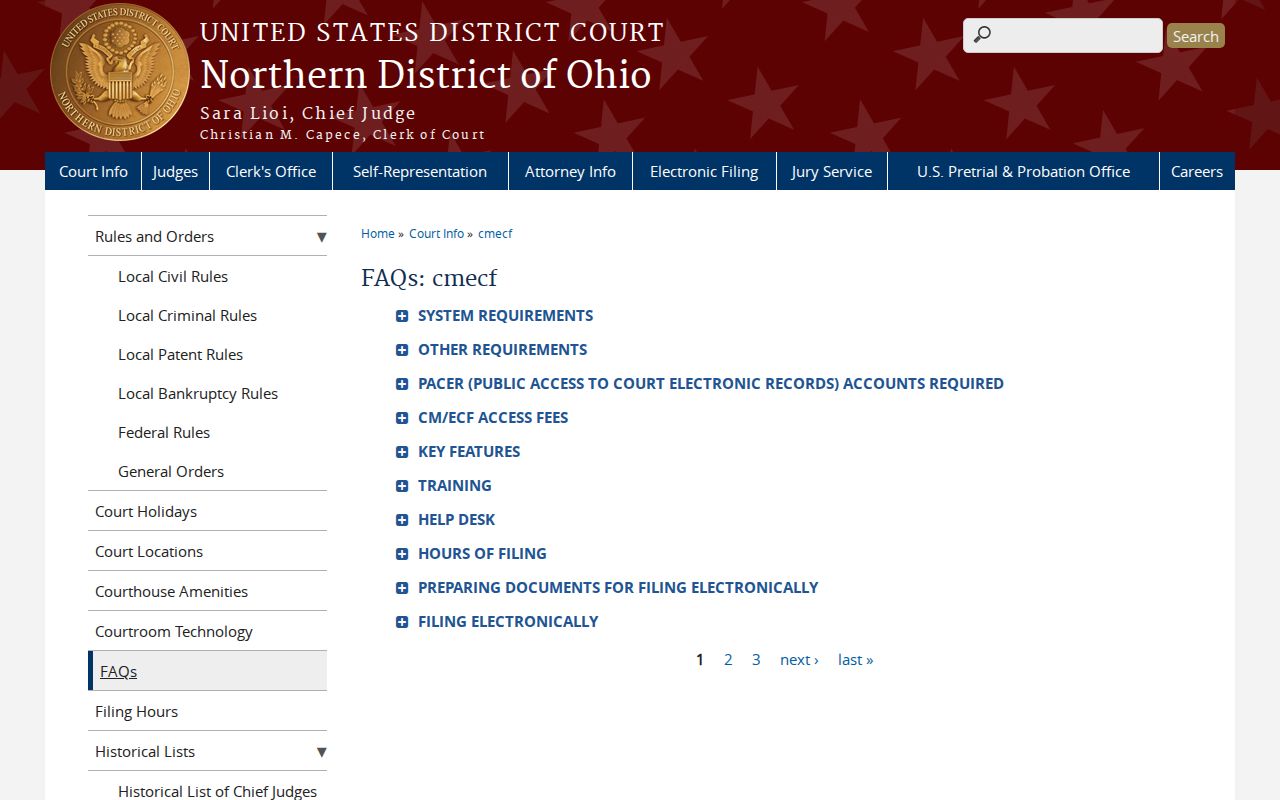
The Northern District’s CM/ECF information describes its federal electronic filing environment. It does not supply a public replacement for CourtView or Wood County municipal record searches. E-filing access, public docket access, and a certified court copy are separate concepts across both federal and county systems.
A source image from the Northern District CM/ECF FAQ distinguishes the federal filing system from a Wood County case search.
Use the case number and court name to select the right record custodian before requesting a document.
Access and Restricted Cases
Ohio court records are generally presumed open under the Rules of Superintendence, but remote search access has limits. R.C. 2303.12 does not require general-docket remote access for Domestic Relations, Juvenile, and restricted material. Juvenile records remain subject to confidentiality rules even though the court has a public portal and lobby terminal. Probate excludes adoption, mental-illness, and court-sealed matters from its public-record statement.
Sealed or expunged adult records can be removed from public indexing under R.C. 2953.32. A missing result is not proof that no case existed and is not permission to seek protected details elsewhere. Preserve the case number if known and ask the responsible court about lawful access.